Physical Address
304 North Cardinal St.
Dorchester Center, MA 02124
Physical Address
304 North Cardinal St.
Dorchester Center, MA 02124

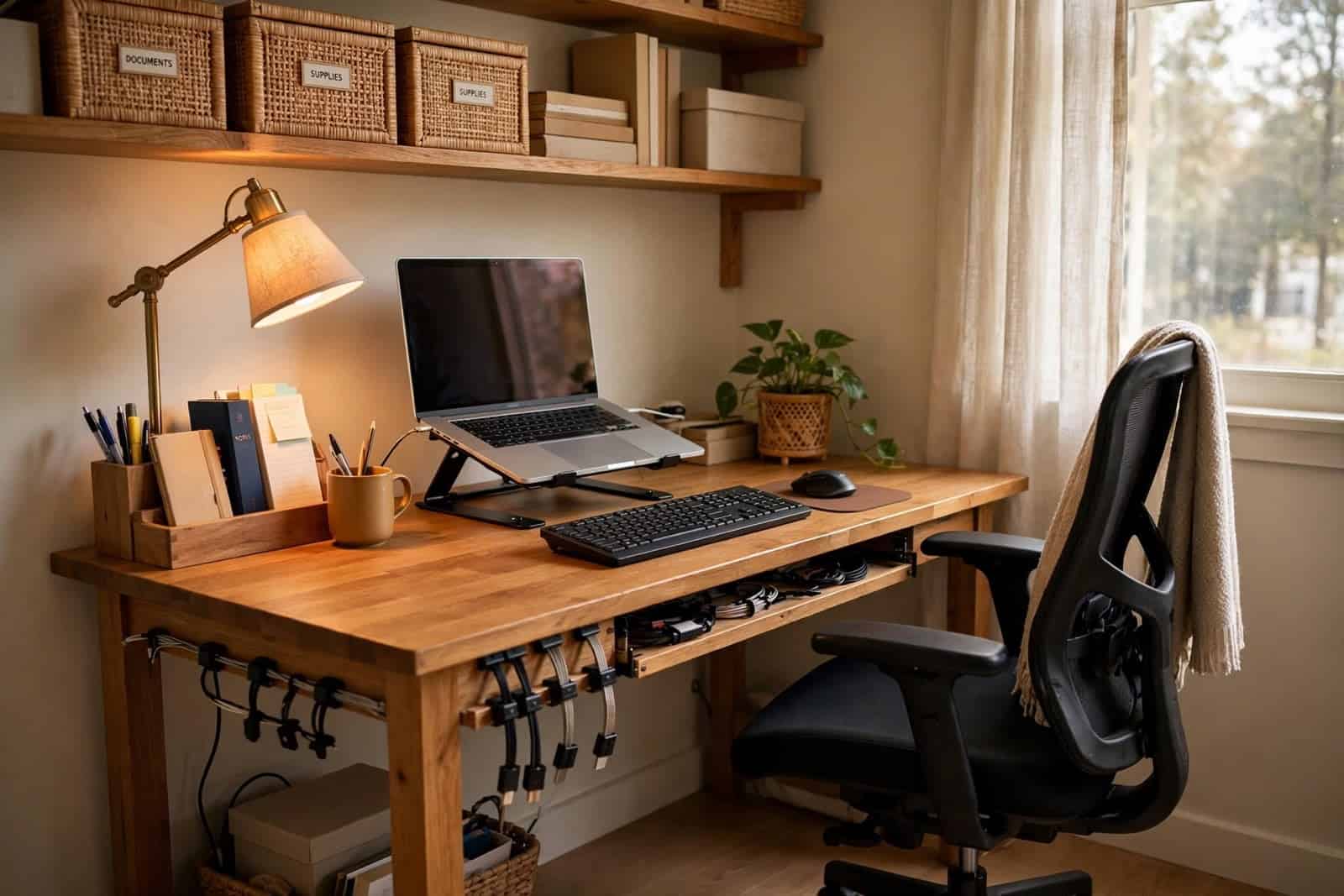
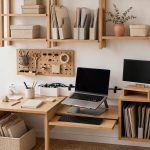
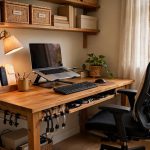
Working from home can be convenient, but having the right environment can make a significant difference to your comfort and productivity. You don’t necessarily need an expensive office makeover. A few carefully chosen items can turn a small corner of your home into a practical workspace.
The key is to focus on the things you use every day rather than buying equipment simply because it looks impressive.
Start with a suitable desk.
Your desk is the foundation of your workspace. It needs to provide enough room for the equipment you regularly use while leaving enough space to work comfortably.
If you use a laptop, you may not need a particularly large desk. Someone working with two monitors, notebooks, and other equipment will need considerably more space.
Before purchasing a desk, measure the area where you intend to place it. Remember to leave enough room for your chair and for movement around the workspace.
Choose a comfortable chair.
A chair is one of the most important investments in a home office because you may spend several hours sitting in it.
Look for a chair that allows you to sit with your feet comfortably supported and your back reasonably well supported. Adjustable features can also be useful because everyone’s body and desk height are different.
Don’t choose a chair solely because it looks attractive. Comfort and adjustability should be higher priorities.
Improve your lighting.
Poor lighting can make a workspace uncomfortable, particularly when you’re reading documents or working on a computer for extended periods.
A desk lamp can provide additional illumination when the room itself isn’t sufficiently bright. Position the light so that it doesn’t create distracting reflections on your monitor.
Natural daylight can also be useful, although you should avoid positioning your screen directly where strong sunlight causes glare.
Consider a laptop stand.
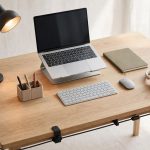
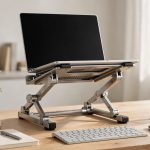
If you work primarily from a laptop, a laptop stand can help raise the screen to a more comfortable viewing height.
A separate keyboard and mouse can then allow you to position your hands independently from the screen.
This doesn’t mean everyone needs an elaborate ergonomic setup. The important thing is creating a position that feels comfortable and allows you to work without constantly bending your neck towards the screen.
Keep cables organised
A workspace can quickly become cluttered with charging cables, USB cables, and power leads.
Simple cable-management products can make the area look cleaner and make it easier to identify the cable you need.
Cable clips, cable sleeves and under-desk cable trays are examples of inexpensive accessories that can help.
Don’t overlook storage.
Even a small amount of storage can make a difference.
A desk organiser can hold pens, notebooks and small accessories, while shelves or storage boxes can keep documents and equipment off the working surface.
The less unnecessary clutter you have around you, the easier it is to maintain an organised workspace.
Create the setup gradually
You don’t have to purchase everything at once.
Start with the essentials:
Then improve the setup as you identify problems.
This approach can save money because you’re buying things based on actual needs rather than purchasing a long list of accessories that may eventually sit unused.
Final thoughts
A good home office isn’t necessarily the most expensive one. The best setup is one that fits your space, your work and your budget.
Before buying anything, consider how you actually work and identify the biggest problem with your current setup. Then choose a product that solves that specific problem.